
Automation decision guide
Automation Payback Period: Time Value vs Cash Recovery
Calculate automation payback, test delayed adoption and distinguish economic value from cash recovery before committing to recurring software costs.
Ask which investment you are recovering
Payback estimates how long positive monthly benefit takes to cover one-time setup. It is not the same as annual ROI, and neither number guarantees cash in your bank account. A small business with a tight cash budget should review cash recovery separately from the value assigned to employee time. All figures here describe a fictional scenario.
A 7.5-month example
Assume setup costs $900, the workflow currently takes 12 hours per month, and automation saves 6 net hours valued at $30 each. Recurring costs are $60 per month and additional revenue is $0. Monthly net benefit is 6 x $30 - $60 = $120. Payback is $900 / $120 = 7.5 months. First-year net benefit is $540; first-year ROI is $540 / $1,620 = 33.3%.
Find the minimum benefit for your deadline
For a target six-month economic payback, required monthly benefit is $900 / 6 = $150. With $60 recurring cost and a $30 hourly value, you need ($150 + $60) / $30 = 7 net hours saved each month. The base estimate of 6 hours does not meet that target. Six months is an illustrative decision deadline, not a universal standard.
Allow for adoption delays
The calculator assumes steady monthly benefit from the start. If month one delivers no benefit but still incurs $60 operating cost, $960 remains to recover. At $120 net benefit thereafter, recovery takes 8 more months, or 9 months from launch. Changing volume, onboarding, renewal dates and cancellations need a separate month-by-month budget.
When there is no payback
If monthly benefit is zero or negative, dividing setup by it does not produce a meaningful payback period. A zero-cost project with positive benefit needs no setup recovery, while percentage ROI with zero total cost is undefined. Do not substitute an enormous percentage for that undefined value. The free tool explicitly handles these cases.
Check liquidity before approving
If no wages or contractor invoices fall and no new contribution arrives, cash falls by the setup and subscription payments even though the time-value model looks positive. Document the actual spending that would disappear, the earliest cancellation date and a stop-loss budget. Compare this with the conservative estimate before approving the change; the Toolkit can help record the decision but cannot establish demand or guarantee recovery.
Turn your estimate into a decision
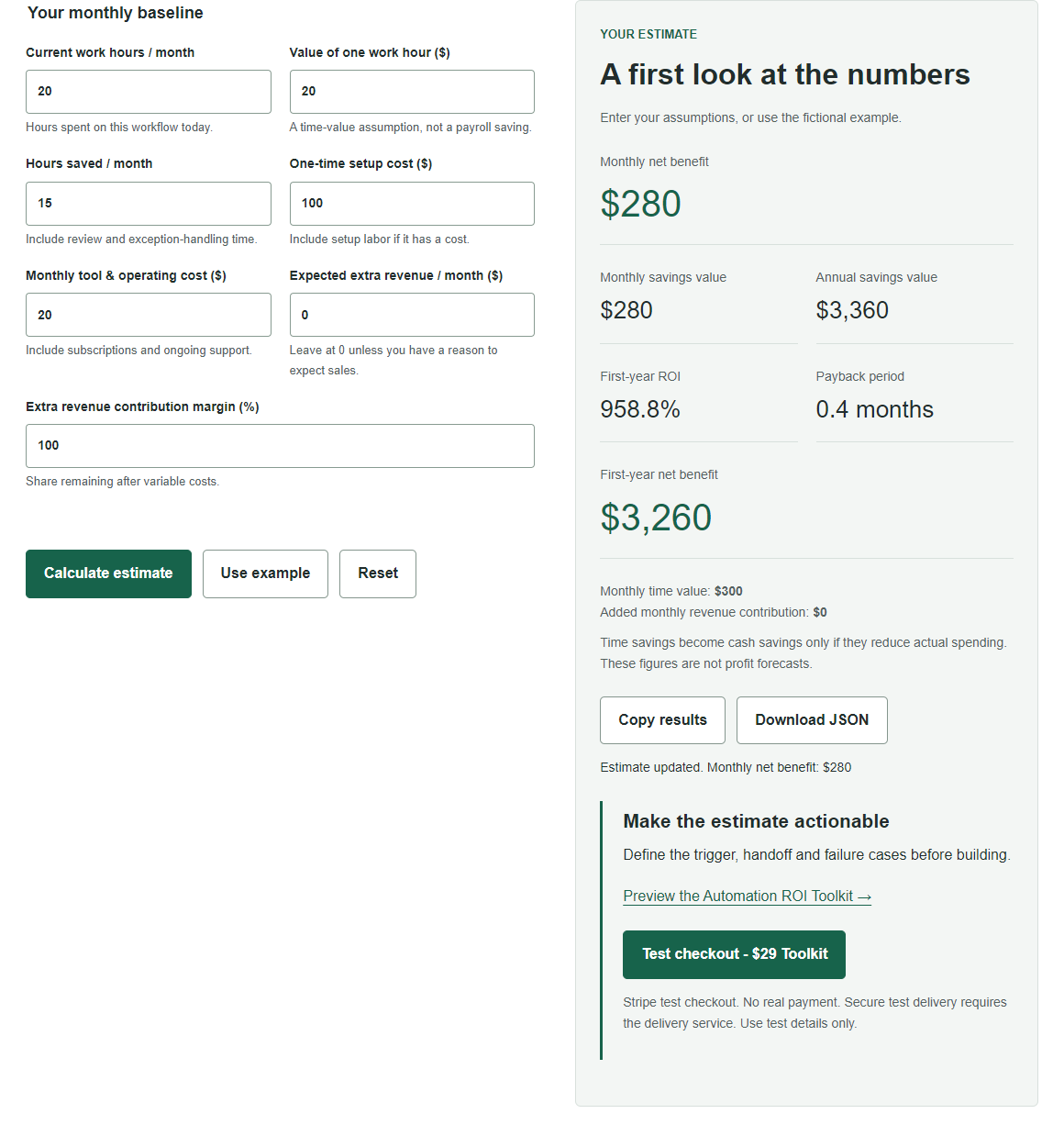
Try the free calculator with these assumptions, then replace them with your own numbers. No sign-up is required and calculation inputs stay in your browser.
The Automation ROI Toolkit costs $29 as a one-time purchase through Stripe, with automatic download after payment verification. Review the contents before buying; the calculator and public samples remain free.