
Automation decision guide
AI Automation ROI: Include Review and Exception Costs
Estimate AI automation ROI after human review, exceptions and operating costs. Compare a worked base case with a slower-review downside case.
Count completed work, not generated output
A fictional operator spends 30 hours per month preparing routine internal summaries. AI assistance reduces drafting to 12 hours, but quality review takes 7 hours and correcting exceptions takes 3 hours. The new total is 22 hours. Net time saved is 8 hours, not the 18 hours removed from drafting. This distinction matters when errors are costly or the output needs individual approval.
Model the full cost
Use an assumed hourly value of $40, setup cost of $400 and recurring cost of $80 per month. Those are illustrative inputs, not advertised prices for any AI service. Include usage charges, required software and incremental monitoring costs in the recurring figure. Review time already deducted from saved hours should not be charged twice. Leave additional revenue at $0 until there is evidence for it.
Base-case result
Eight net hours x $40 produces $320 monthly time value. Less $80 gives $240 monthly net benefit. Over a year, $240 x 12 - $400 is $2,480. Total first-year cost is $1,360, so economic ROI is 182.4% and steady-state payback is approximately 1.7 months. The estimate assumes the same volume and quality each month; it does not predict actual sales.
Review overhead can reverse the decision
If review and corrections consume 6 additional hours, only 2 hours are reclaimed. The $80 monthly time value then equals operating cost: there is no positive benefit available to recover setup. If the operator spends more than 30 hours in total, the workflow is slower than before. Do not hide quality-control work just because drafting looks fast.
Run a bounded quality check
Before adopting a tool, define acceptable output and test representative tasks using synthetic or appropriately authorized data. Count time spent checking, repairing and rejecting outputs. Include difficult cases, not just easy demonstrations. Record errors that could cause financial, privacy or customer harm; a positive spreadsheet does not make an unsafe workflow acceptable.
Decide what the reclaimed capacity is for
Compare an AI-assisted process with a simpler template or rules-based alternative. Prefer the cheapest approach that meets the quality threshold. If the reclaimed hours cannot reduce spending or support useful additional work, treat the result as convenience rather than profit. Use the calculator to change review assumptions; use the $29 Toolkit when you need to document a repeatable decision and acceptance process.
Turn your estimate into a decision
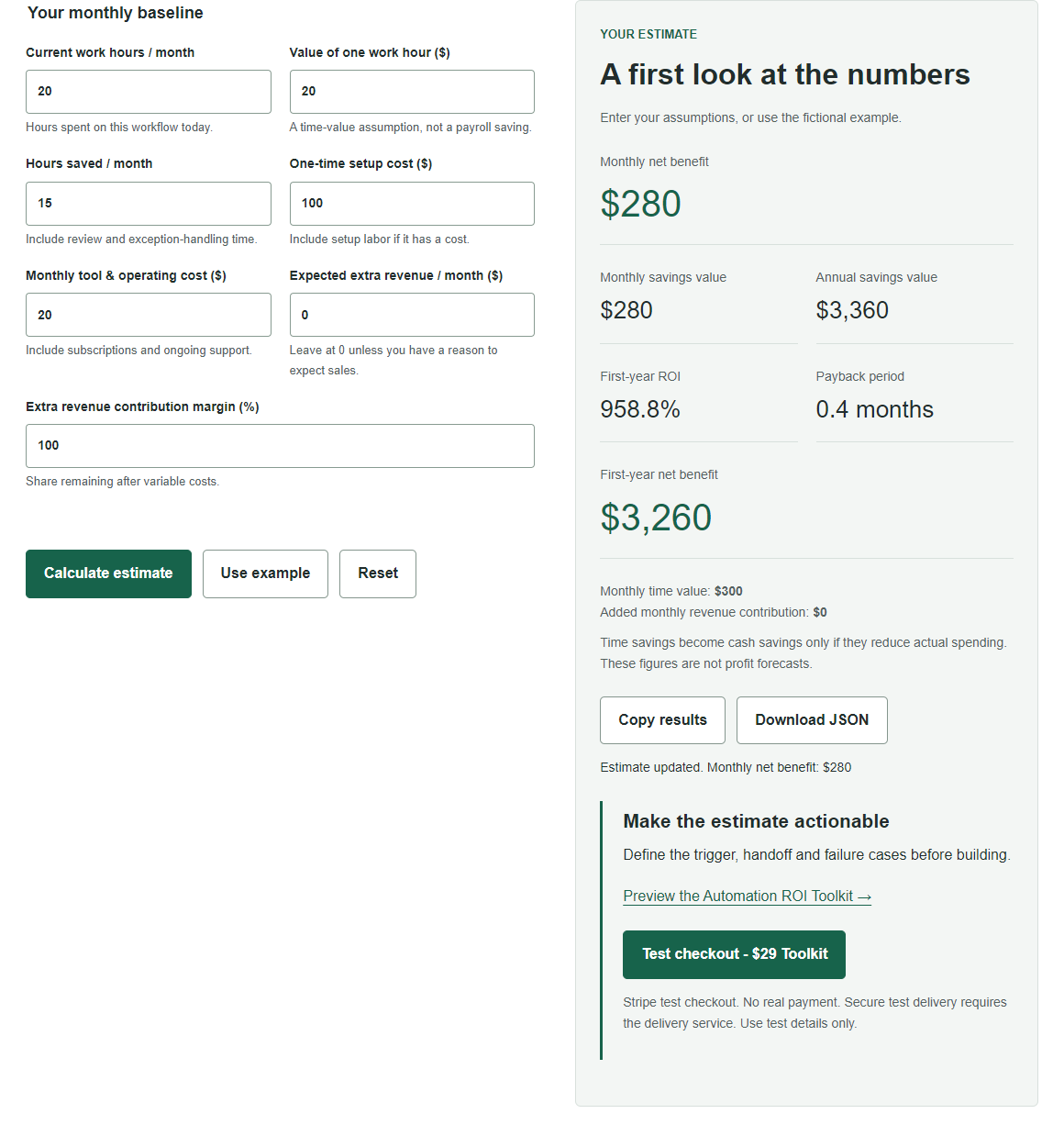
Try the free calculator with these assumptions, then replace them with your own numbers. No sign-up is required and calculation inputs stay in your browser.
The Automation ROI Toolkit costs $29 as a one-time purchase through Stripe, with automatic download after payment verification. Review the contents before buying; the calculator and public samples remain free.